Error Checking
During import of all file types, LDMS will perform validation and error checks to ensure the data being imported to LDMS meets the expected standards.
- These checks may be system level checks, for example to confirm the collection date is not null or that the specimen codes are valid LDMS codes.
- These checks may also be project level checks, for example to confirm the ID2 value is an expected value for a given project or that if a project requires some values to be set that those values are not null in the imported shipping file.
The LDMS will provide a listing of all errors it finds in a given shipping file and display them to the user. These errors must be resolved before the file can be imported.
Figure: Receive Shipments Error Message
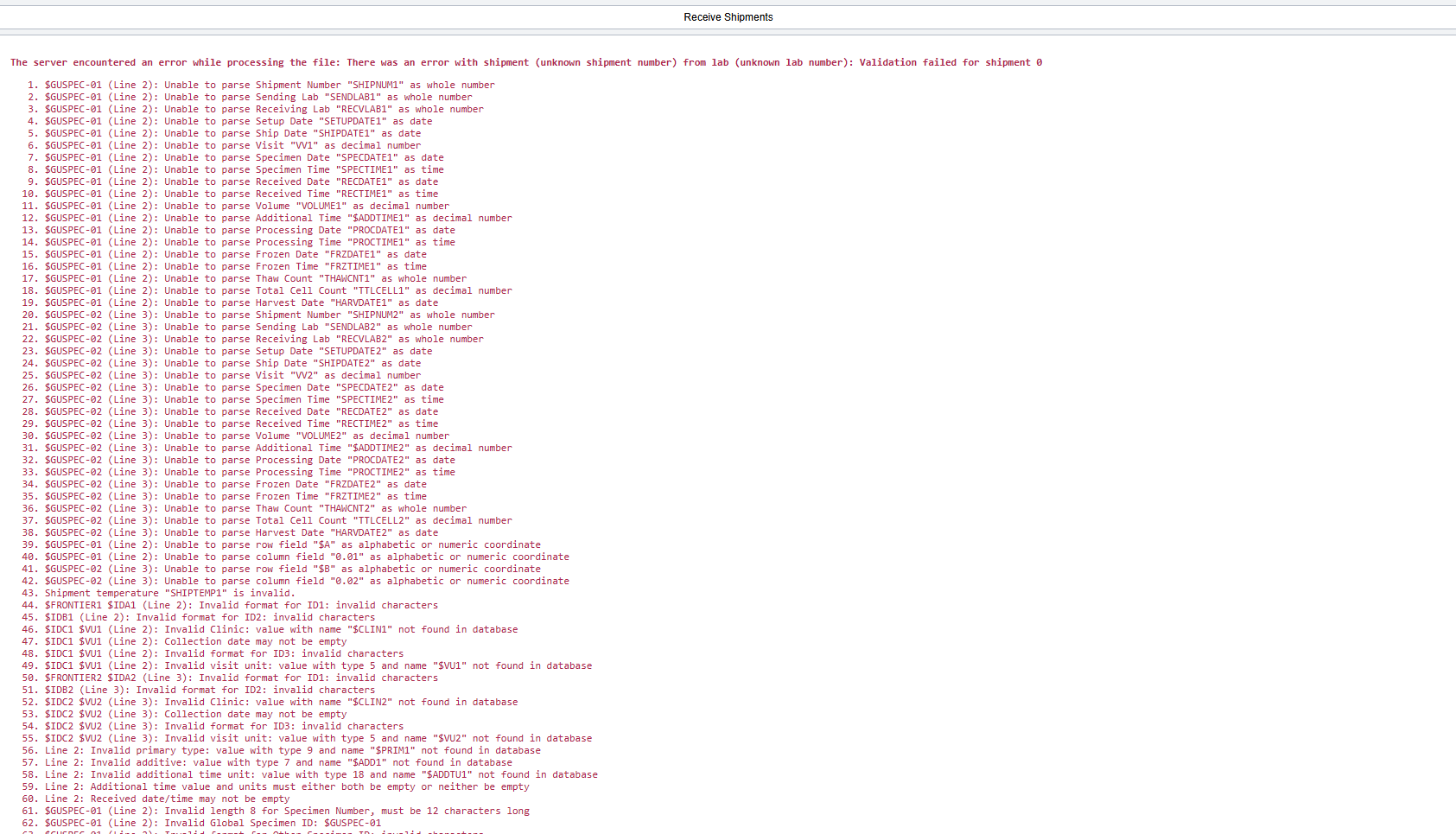
- For CSV shipments, a list of the required field formats can be found in the section CSV Shipping Files. Any errors related to the expected format and layout of the CSV files may be resolved by ensuring the imported file meets the expectations defined in this chapter.
- For project level checks, these can be found in the section Preset Projects. Any errors related to project specific checks may be resolved by ensuring the imported file meets the expectations defined for a given project in this chapter.